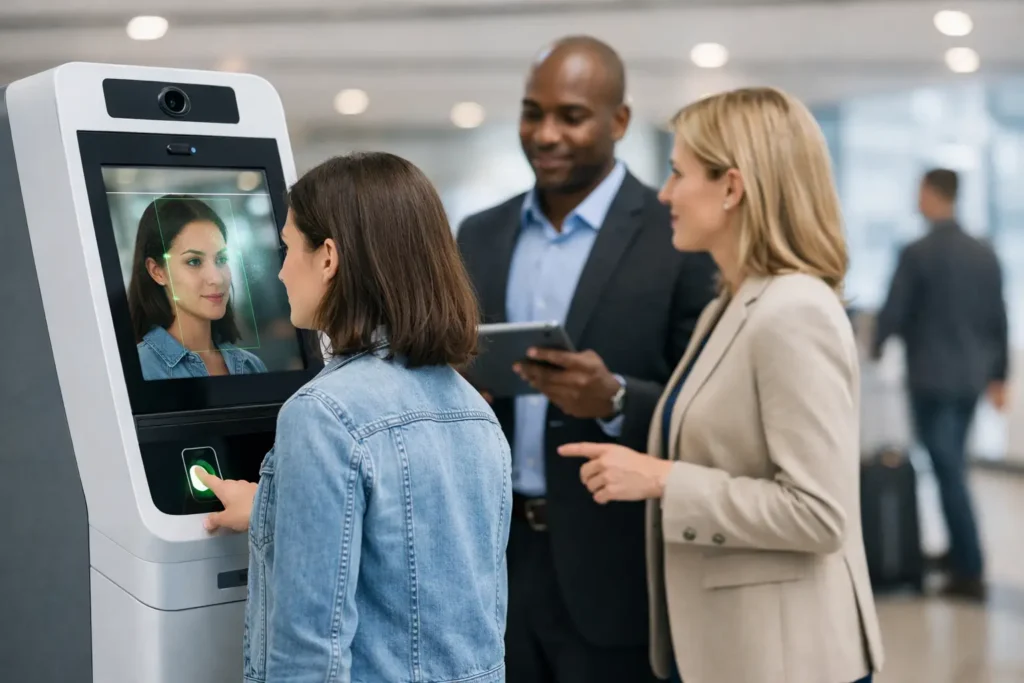
A health screening kiosk can be installed in a matter of minutes, but participation is won or lost well before it arrives. Knowing how to launch a biometric kiosk programme means treating it as a practical wellbeing campaign: give people a clear reason to take part, make the kiosk easy to access and be clear about what happens to their information.
For HR and wellbeing teams, the attraction is straightforward. Employees can check key health measures during the working day without booking an appointment or waiting for a clinician. The organisation gains a visible, preventative-health initiative that can sit alongside wider support such as mental wellbeing training, movement sessions and nutrition education.
Start with a clear workplace outcome
Avoid launching a kiosk simply because it is available during a wellbeing week. Decide what the programme should achieve. For some employers, the priority is encouraging employees to know their numbers. For others, it is increasing engagement with a year-round wellbeing plan, supporting an occupational health focus, or offering a practical benefit across several sites.
This objective shapes the language you use. A campaign focused on prevention may encourage employees to check their blood pressure and body composition as a useful baseline. A programme connected to a broader wellbeing calendar can position the kiosk as one part of a month of activity, followed by a sleep webinar or office yoga session.
Set realistic measures of success before launch. These might include the number of screenings completed, uptake as a proportion of the people on site, repeat demand at future events, or anonymised trends where this option has been agreed. Do not promise that a kiosk will diagnose health conditions or resolve absence issues. Its value is convenient awareness and an appropriate prompt for employees to consider their next steps.
Choose a kiosk location people will actually use
The best location is visible enough to prompt interest but private enough for employees to feel comfortable. A reception area may be convenient, but it can discourage use if people feel observed. A wellbeing room, quiet meeting room, breakout area or screened section of a communal space is often a better choice.
Consider the working patterns of the people you want to reach. If your workforce includes shift teams, manufacturing staff, warehouse colleagues or field-based workers visiting a depot, placing the kiosk near their normal route can improve participation. An office-only location may create an unintended gap in access.
The physical requirements are usually simple, but they still need confirming early. Allow suitable floor space for the kiosk and the employee using it, a standard power supply and safe access for delivery and installation. The area should be clean, dry and away from unnecessary congestion. A reliable provider will confirm requirements in advance and arrange installation, basic training, maintenance and technical support, rather than leaving these tasks to an HR coordinator.
Explain what the screening includes
People are more likely to participate when they understand what they will receive. A biometric kiosk provides a quick check of core measurements, normally including height, weight, BMI, blood pressure, pulse and body fat percentage. Results are printed immediately, so the employee leaves with a personal record rather than waiting for an email or an appointment.
Each measure has a clear preventative-health purpose. Weight and height are used to calculate BMI, while body fat percentage adds a different perspective on body composition. Blood pressure and pulse can help employees become more aware of cardiovascular health. None of these figures should be viewed in isolation. Hydration, recent exercise, stress, medication, pregnancy and individual circumstances can affect readings.
Your communications should make this distinction plain. The kiosk is a screening and awareness tool, not a substitute for medical advice. Employees who receive a reading that concerns them should be encouraged to speak to their GP, pharmacist or an appropriate healthcare professional. This simple guidance protects against overinterpretation and gives the initiative a responsible footing.
Plan the communications before the installation date
A short, specific campaign is more effective than a single message saying that a kiosk is available. Announce the purpose, dates, location, approximate time needed and the measurements provided. Let people know that no appointment is required if that is the case. For many employees, the ability to complete a check in a few minutes is the deciding factor.
Use the channels your workforce already sees. This may mean a staff email and intranet notice for office teams, but also manager briefings, digital signage, noticeboards, Teams messages or shift handovers for operational teams. Give line managers a few accurate talking points so they can support participation without pressuring anyone.
Privacy needs to feature in the first announcement, not as an afterthought. Explain that results are printed for the individual and clarify whether the employer will receive any information. Where anonymised usage data is available, state exactly what it will show, such as the number of completed checks, and what it will not show, such as named individual results. Participation should remain voluntary.
Make the launch day low-friction
A kiosk programme should not create a queueing or booking problem that undermines its purpose. If you expect high uptake, spread availability across a full day or several days and promote quieter periods. If the site is busy at lunchtime, encourage early-morning, mid-afternoon or shift-change use.
Assign a named internal contact for practical questions on the day. They do not need to interpret health results or operate as a clinician. Their role is to welcome employees, point them to the right space, replenish any agreed consumables if required and contact the service provider if there is an issue. This removes uncertainty without adding a significant administration burden.
It also helps to prepare the space properly. Provide clear signage, ensure the power point is available and keep the area free of stored equipment. If privacy is a concern, use a room with a door or a modesty screen. A little thought here can make the difference between a kiosk that looks like a useful employee benefit and one that feels awkward to approach.
Build in support for different workforce needs
One format will not suit every organisation. A head office may benefit from a two-day installation in a central wellbeing room, while a multi-site employer may need a rota of kiosk dates across offices, depots and regional locations. If most employees work remotely, consider scheduling the kiosk around planned office days or combining it with an on-site wellbeing event to give people an additional reason to attend.
Accessibility should also be considered when selecting the room and promoting the service. Check that the route to the kiosk is suitable for employees with mobility needs, and offer a contact route for anyone who needs support or an alternative arrangement. Do not assume that everyone is comfortable discussing health in a group setting, even when participation is voluntary.
For national employers, a provider with UK-wide field service coverage reduces coordination work. Relaxa can arrange delivery, installation, maintenance and basic on-site training, allowing internal teams to concentrate on employee communication and engagement.
Use results to encourage action, not judgement
The printed result gives the employee something immediate and tangible, but the workplace response matters. Avoid competitive messaging around weight, BMI or body fat percentage. It can alienate employees and reduce trust. Frame the programme around personal awareness, choice and access to support.
A useful next step may be to share general wellbeing resources after the event. For example, employees may be signposted to learning on nutrition, sleep, stress or mental health awareness, or invited to a movement class. Keep the connection helpful rather than presumptive: a screening result does not tell you what an individual needs.
If anonymised reporting is part of the arrangement, use it to assess delivery rather than to make claims about the health of your workforce. Strong uptake may show that the location and communications worked. Lower uptake may point to a poor time, insufficient privacy, limited awareness or a workforce that could not access the site. These are practical lessons for the next deployment.
Review, refine and schedule the next opportunity
After the kiosk is collected, ask a small number of focused questions. Did employees find the location convenient? Was the process clear? Were there times when demand was higher than expected? Did managers have enough information to promote it appropriately? Feedback from both participants and non-participants is useful.
Then decide whether screening should become a recurring feature of your wellbeing calendar. Quarterly activity may suit a highly engaged office population, while a larger or dispersed organisation may prefer an annual programme that rotates across sites. The right frequency depends on budget, workforce access and the wider support available between events.
A well-run biometric kiosk programme gives employees time and space to pay attention to their own health. Make it easy to use, private by design and connected to credible follow-up support, and it becomes a practical part of workplace wellbeing rather than a one-off attraction.